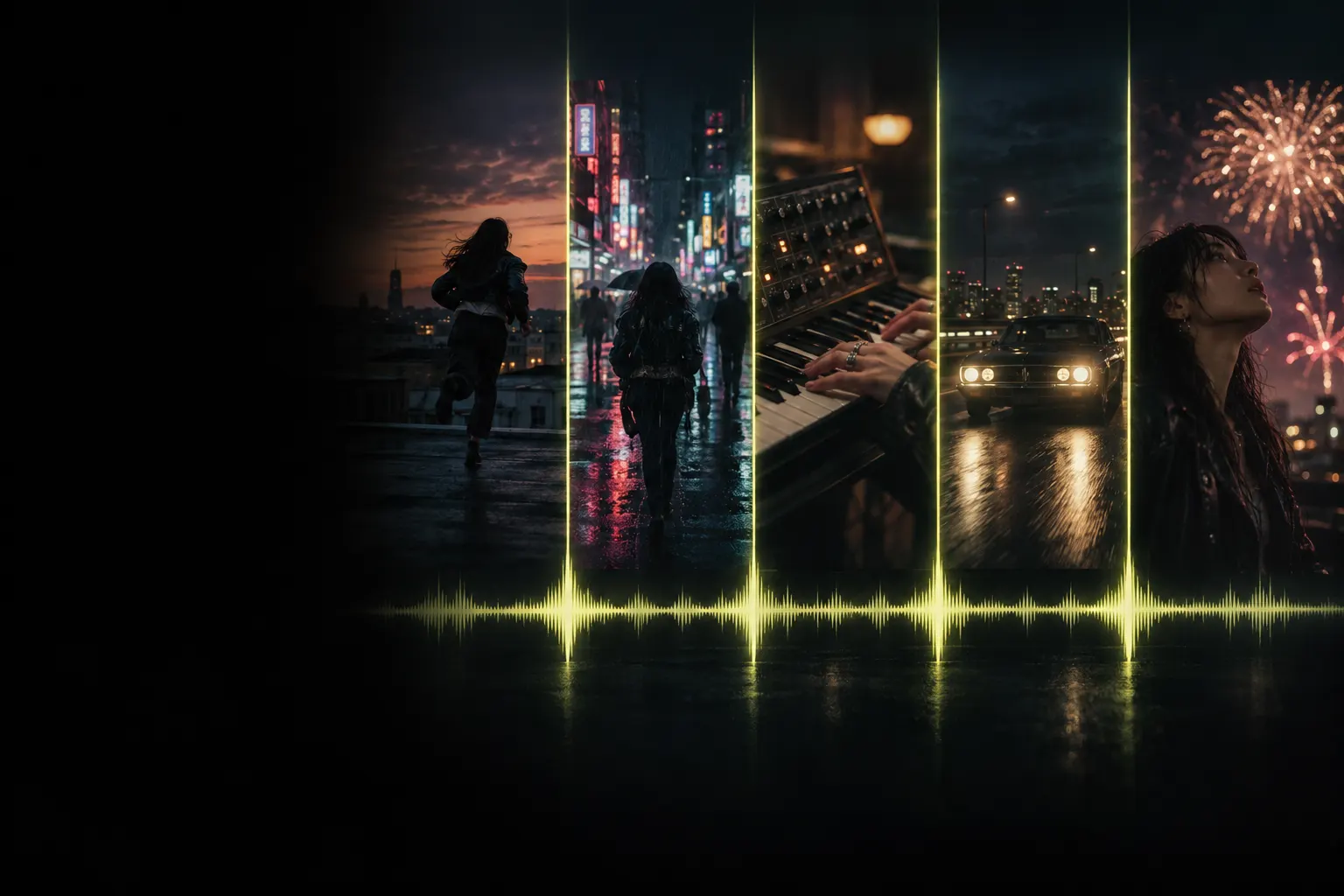
Beat sync, not lip sync
Music sync video generator online
Upload a song and every shot changes on the beat. See the whole video as a storyboard over your track first, then download a 1080p MP4 cut to your music.
Audio or a phone video, up to 100 MBNo song? Try , ,
Try it free
Pick a look · you can change it later
- Cuts
- On the bar, found from your song
- Length
- 15–30 s clip or full song to 3 min
- Free
- 2 storyboards, no card
- Output
- 1080p MP4, your audio, no watermark
What “music sync” means
Beat sync, lip sync or a visualizer?
Search for a music sync video generator online and you will find three different tools under one name. Know which one you need before you upload, because each follows a different part of your song.
| Type | Follows | What you get | Here |
|---|---|---|---|
| Beat sync | The rhythm of the song | A new shot on the downbeat, a story that moves with the song | Yes, this is what we make |
| Lip sync | The vocal line | A face or avatar mouthing your lyrics | No |
| Audio visualizer | Loudness, frame by frame | Bars, waves or shapes that pulse over one picture | No |
This page is about beat sync. If the singer’s mouth must match the words, a lip-sync tool is the right pick. If you want shapes pulsing over cover art, here is how a visualizer differs from a music video.
Under the hood
How every cut lands on the beat
Most tools say “synced to music” and stop there. Here is exactly what this music sync video generator online does with your track, from the first second you add it.
- 01
It finds the tempo and the bars
When you add the song, the app measures the beat and marks where every bar starts. It also finds the loudest part that repeats, which is usually your chorus.
- 02
Shots start on a downbeat
Each shot begins on the first beat of a bar and lasts 3 to 8 seconds, so a cut never lands halfway through a phrase. A long verse gets more shots, not slower ones.
- 03
Cut points never drift
Video runs at 24 frames a second, and each cut is placed on the frame nearest its beat, counted from the start of the song. Small rounding never adds up, so the last cut of a 3-minute song is as tight as the first.
- 04
A quarter-second dissolve on the beat
Each cut is a 0.25-second dissolve centered on the beat. The change reads as a hit, without the hard flash of a jump cut.
A real cut map
Where the cuts fell in one clip
A 30-second clip from a 2-minute song, made in the app. The thin marks are seconds; each colored band is one shot, and each starts on a bar. Shots run 3 to 8 seconds, longer where the song holds a phrase.
Polaroid Weather, 30 s clip
0:39–1:09 of the song
- 0:39Snowy Chase
- 0:42Rooftop Sprint
- 0:47Flash Capture
- 0:52Glowing Steps
- 0:56Chase the Light
- 1:01Final Glow
How it works
Make a beat-synced video in three steps
You need the song and about ten minutes. Nothing to install: it runs in the browser on your laptop or phone.
- 01
Add your song.
Upload an MP3 or WAV, or paste a Suno link. The beat and bars are found right away.
- 02
Pick the part and a look.
We suggest 15 to 30 seconds around the chorus, starting on a bar. Drag the range to choose another part, or pick the full song.
- 03
Watch the storyboard, then make the video.
One frame per shot plays over your track, changing at each cut. Happy with it? Make the video and download the MP4.
Length and shape
A short clip or the whole song
The music sync video generator online works the same way at both lengths: the cuts follow the bars, whatever the duration.
Clip, 15 to 30 seconds
Built around your chorus, vertical 9:16 for TikTok, Reels and YouTube Shorts, or wide if you prefer. 33 credits for 30 seconds, storyboard included.
Full song, up to 3 minutes
Start to finish for YouTube, wide 16:9 or vertical, with a story that changes from verse to chorus. For a longer song, you pick which 3 minutes it covers. 183 credits for 3 minutes.
Before you pay
Hear the cuts before you make video
The storyboard is the edit in still frames. It plays over your song and switches frame where the video will cut, so you can feel the pacing before a single second is rendered. It costs 3 credits, and your first 2 are free.
Don’t like a shot? Redraw that frame, or change the look and draw them all again. After the video is made, you can remake one shot and pay only for that shot.
What it won’t do
- No lip sync or singing avatars.
- No effects that pulse with each kick drum.
- No editing timeline. You choose the part, the look and the shots; the cut points come from the song.
Questions about music sync videos
Is this music sync video generator online free?
Planning is free to try: new accounts get 6 credits, enough for 2 storyboards, no card needed. Video costs 1 credit per second, so a 30-second clip is 33 credits with its storyboard. Finished videos have no watermark. See pricing
Does it do lip sync?
No. The video is synced to the beat, not to a singer’s mouth. You get scenes, motion and a story in your chosen look. For a face singing your lyrics, use a lip-sync tool instead.
Does it cut on every single beat?
It cuts on the first beat of a bar, about every 3 to 8 seconds, because a new shot on every beat flickers. The beats between cuts drive the pacing of the story.
Do I need to know the BPM?
No. The tempo and bars are found when you add the song. The analysis assumes a steady tempo, so a song that speeds up or has no clear drum gets looser cuts.
What audio files can I upload?
MP3 or WAV up to 100 MB, from Suno, Udio, ElevenLabs Music or your own DAW. A video file works too; we use its sound. Made in Suno? Paste the share link instead.
Will my audio be changed?
No. Your track plays exactly as you uploaded it. Only the picture is generated, and it is timed to the song.
How long does it take?
A storyboard takes a few minutes. Our 30-second example clips rendered in about 5 minutes; a full song takes longer. You can close the page while it works.
Cut your song on the beat tonight
Add the track and in a few minutes the music sync video generator online plays your storyboard back over it, cut by cut.
Add your song